
How to use AlsaMixer to adjust the default output volume on your DAC Hat
Follow this simple guide to adjust the default volume output of your Raspberry Pi's DAC Hat using AlsaMixer. This will give you a bit more control and flexibility with the output level of your DAC Hat

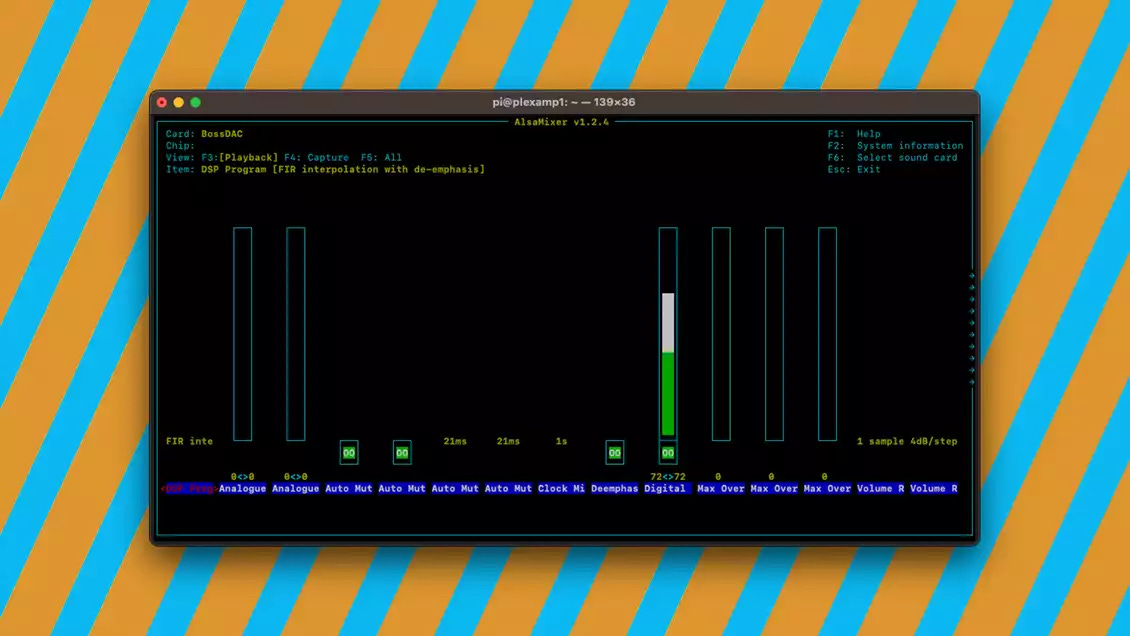
If you have taken the time to attach and configure a DAC Hat to improve the quality of the audio coming from your Rapsberry Pi streamer, it’s possible that you’ve noticed the output is a bit “hot” and maybe even distorts at higher volumes.
One way to give your streaming output a little more headroom and allow your app volume controller (if you’re using Plexamp, for example) a bit more control and flexibility is to reduce the output level of your DAC Hat soundcard using AlsaMixer.
What is AlsaMixer?
AlsaMixer is a command-line audio mixer tool for the Advanced Linux Sound Architecture (ALSA). Using AlsaMixer you can adjust various audio settings of your DAC Hat or soundcard, including volume levels, balance, and other audio-related parameters, for both input and output audio devices.
To keep things simple in this post, we’ll focus on one simple solution to controlling the default volume levels of your DAC Hat.