
How To Log In to your Raspberry Pi with SSH or Secure Shell
This guide will get you started with SSH for your Raspberry Pi using Terminal or another Command Line Interface (CLI)

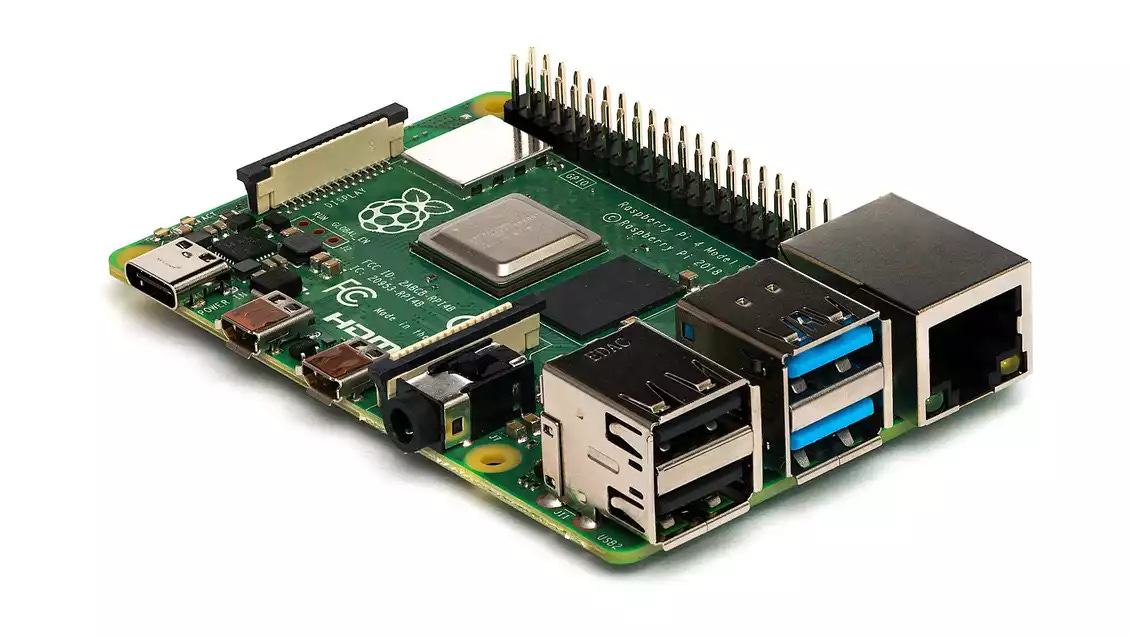
One of the challenges with using a Headless Operating System with your Raspberry Pi is not knowing where or how to install and update software. This post will walk you through process of accessing your Raspberry Pi files and directories using SSH or Secure Shell.
This is part of the process I use to set up a Headless Raspberry Pi Plex Server, install and configure a headless Plexamp streamer to stream my digital media library to various endpoints around my home, and various other tasks and configurations.
Knowing how to SSH into your Raspberry Pi is an essential skill to have as you build, expand, and customize your digital streaming network.
You’ll need to use Terminal or a similar Command Line Interface (CLI) to SSH into your Raspberry Pi. It will be helpful if you already have some experience with CLI tools, but these steps should still be simple enough that you can follow along and learn without too much trouble.